Build forms with  in
 Codex
Create, design, and publish HIPAA-compliant forms.
Choose your agent
Powering healthcare forms since 2019.
See what your agent
can build.
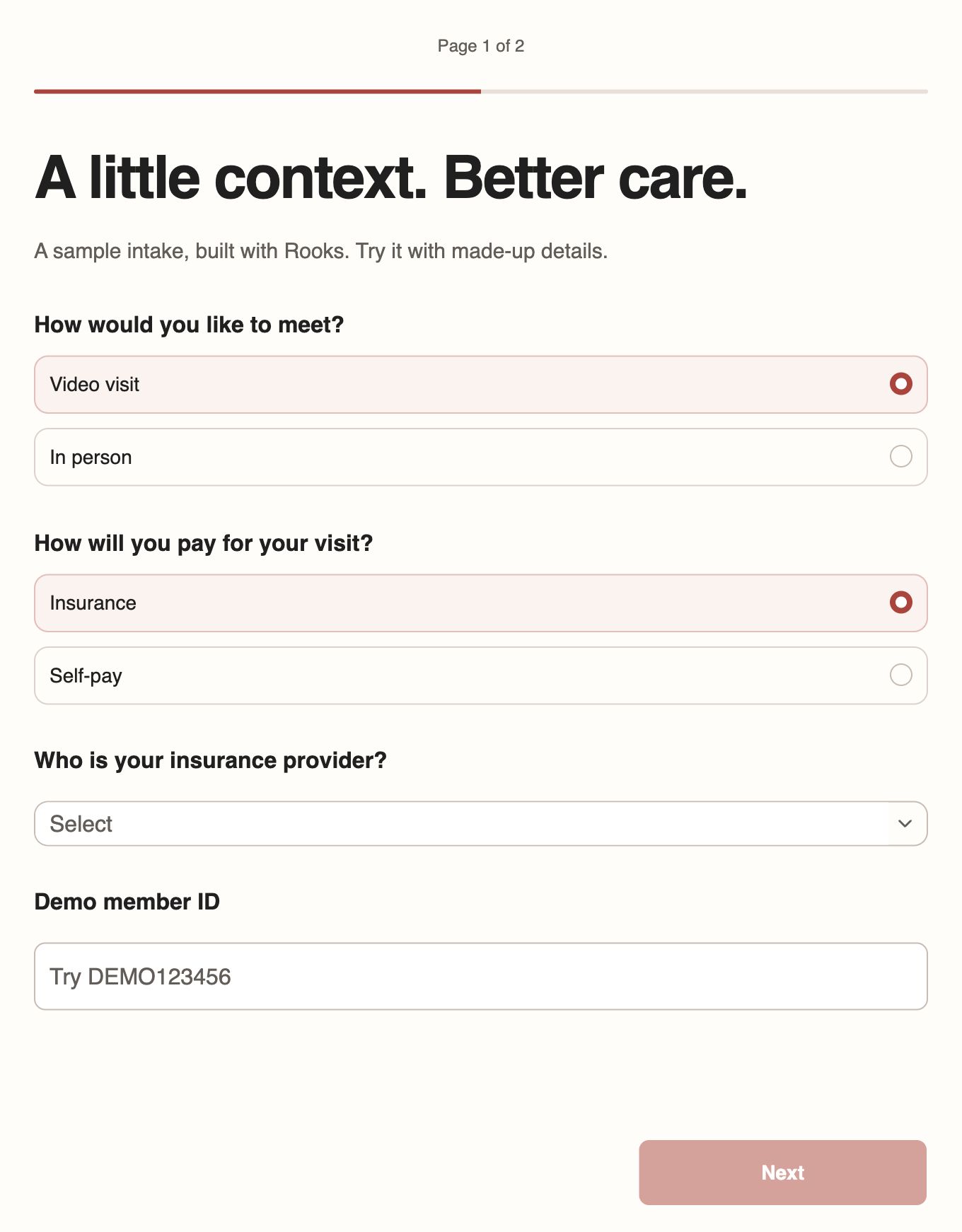
A patient intake with a custom design, conditional questions, and validation built in.
Switch between insurance and self-pay. The form shows only the questions that apply.
Try the demo formUse made-up details. Answers aren’t saved, and no appointment is booked. Opens in a new tab.
Your agent builds it.
Rooks runs it.
Preview every change before it goes live. Your published form keeps running while you refine the next version.
More than questions.
Show only the questions that apply. Calculate assessment scores from answers. Collect signatures alongside consent questions, with validation built in.
Your design. Your fonts. Your domain.
Give your agent a visual reference, logo, or custom font. Shape the layout with CSS, then publish on your own branded subdomain.
Put every response to work.
Review completed and partial responses in the Rooks dashboard. Get email notifications and send answers to other tools through webhooks.
Responses stay in Rooks,
not in your AI chat.
Rooks securely stores your form responses. Your connected AI agent can build and edit forms, but cannot read responses through MCP.
BAA included
A Business Associate Agreement is included with your paid plan. Sign it before collecting protected health information.
SOC 2 Type II certified
Independently audited security controls. US hosting on AWS. Encryption in transit and at rest.
Keep patient data out of your prompts.
Build from blank forms, templates, and examples. Don’t paste PHI into prompts or upload files that contain it.
Everything your forms need.
One monthly price.
Your plan includes hosting, response collection, and your BAA.
One plan. Everything you need.
- Unlimited forms and seats
- Unlimited submissions within fair use
- Create and bulk-edit forms by chatting with your agent
- Logic, validation, calculations, and signatures
- HIPAA-compliant hosting and response collection
Free to build · Cancel anytime
Questions about submission volume? Talk to our team.
Before you connect.
How do I get started?
Sign up for Rooks, then add the Rooks plugin to your agent. If you need help connecting, talk to our team.
Which agents can I use?
Connect Rooks through Codex, Claude Code, GitHub Copilot CLI, or VS Code. Your AI environment needs shell access and permission to upload and download form files. Follow the connection guide, or ask us about other clients.
Why use Rooks if my agent can already build a form?
Your agent creates the form. Rooks provides hosting, answer validation, secure response storage, and a live version that keeps running while you review changes—all on HIPAA-compliant infrastructure, with a BAA available on paid plans.
Can my AI agent read form responses?
Rooks stores your form responses securely. They are not sent through MCP to your connected AI agent. Use your AI to build and edit forms, and the Rooks dashboard to review responses. Keep PHI out of prompts, source files, and form-building content.
What can I create and change?
Build intake, consent, screening, assessment, registration, and eligibility forms from a prompt, or give your agent an existing PDF or image as a reference. Ask your agent to add logic, validation, calculations, signatures, or personalization, and to design the form with custom CSS, from layout and typography to colors and styling. Refine the design and update multiple questions in the same conversation.
What does Rooks cost?
Rooks is $99/month, with unlimited forms, seats, and submissions within fair use. A Business Associate Agreement is included with your plan. You can build for free before publishing.